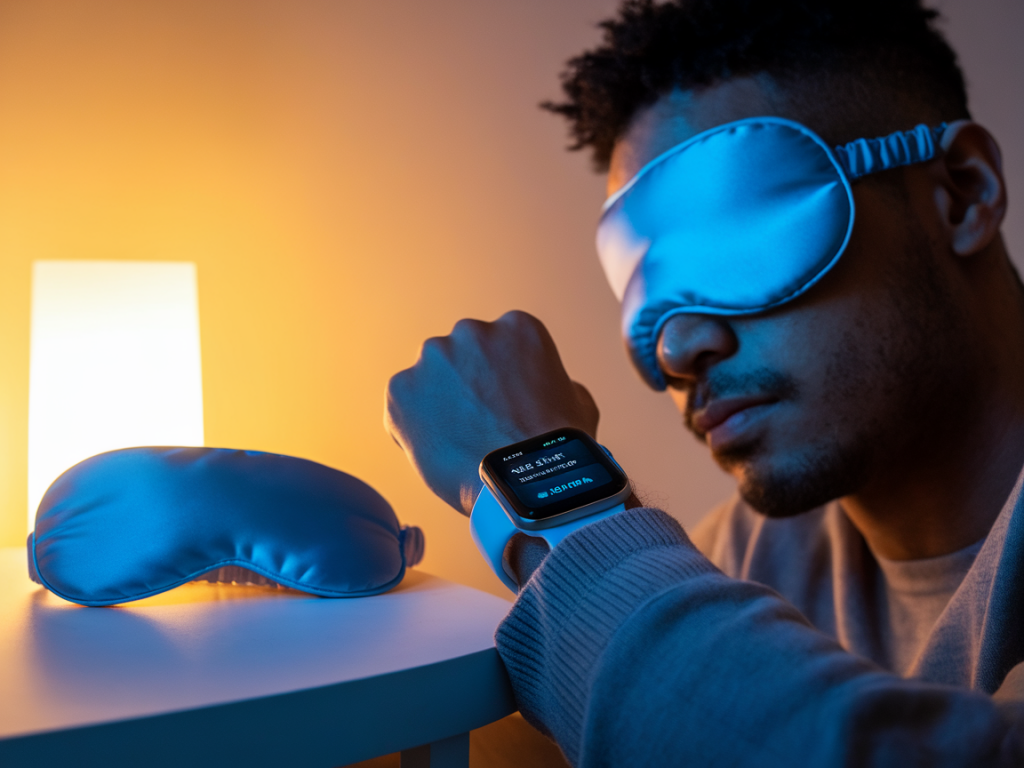
I used to drift from app to app, chasing a perfect night’s sleep by the glow of my phone. Over time I realised that wearables aren’t magic— but when used correctly they can become powerful tools to reduce insomnia. Below I share what actually helps, how to set these features on popular devices, and simple routines that turn raw data into better sleep.
What wearables can realistically do for insomnia
First, a quick reality check: wearables don’t cure insomnia on their own. They can, however, help in three practical ways:
Provide consistent, objective tracking of sleep patterns so you stop guessing how much or how well you slept.Offer behavioural nudges (bedtime reminders, wind-down modes) that create better sleep habits.Detect signs that merit professional attention (severe sleep fragmentation, possible sleep apnea signals).So the value comes from combining accurate tracking with behaviour change. The rest of this piece focuses on features that actually produce that combo and on how to configure them.
Key wearable features that reduce insomnia—and why they work
Not all features are equal. These are the ones I’ve found most actionable.
Sleep staging and consistency tracking: Knowing your time in light, deep and REM sleep helps you spot patterns. More important is tracking consistency—regular bed and wake times beat occasional long sleep when fighting insomnia.Bedtime reminders and wind-down modes: Alerts that prompt you to start a calming routine are effective. They reduce decision fatigue and cue your body to prepare for sleep.Heart rate variability (HRV) and resting heart rate trends: Low HRV or an elevated resting heart rate over several nights can signal stress or overtraining—common insomnia contributors.Sleep score with actionable insights: A raw score is useless without suggestions. Good apps point to what changed (late caffeine, late exercise, late light exposure).Smart alarm and gentle wake: Waking during light sleep reduces sleep inertia. A smart alarm that targets your lightest sleep phase helps mornings feel less jarring.Noise/light detection and sleep environment logging: Some wearables or companion apps let you log or detect environmental disruptions—valuable for identifying external triggers.Guided breathing and relaxation sessions: Short, pre-bed breathing exercises available on devices like the Apple Watch or Fitbit help down-regulate arousal and speed sleep onset.How to set these features for real improvement
Here’s how I configure wearables (and how I’d recommend you do it) to turn tracking into better sleep:
Commit to a bedtime and wake window, not a strict minute: Set a 7–8 hour target and a one-hour window for bedtime and wake time in your device’s sleep schedule. Consistency matters more than hitting an exact minute.Enable wind-down and do a 20–30 minute pre-sleep routine: Turn on the wind-down reminders. Use this time for dimming lights, turning off screens (or enabling night mode), and a short breathing session. On Apple Watch, enable “Wind Down” and link it to a Shortcuts automation. On Fitbit, use the “Bedtime Reminders” and “Relax” sessions.Set a smart alarm within a 30-minute target window: Allow the alarm to wake you during light sleep. This reduces morning anxiety about falling back asleep and helps the circadian rhythm reset.Track HRV and resting heart rate trends, but evaluate weekly: Don’t fixate on nightly fluctuations. Check a seven-day trend; if HRV is consistently low or resting heart rate is elevated, try reducing evening caffeine/exercise and consult a clinician if it persists.Use the sleep score insights—take one small change at a time: If the app flags late caffeine, move your last cup earlier by an hour for a week and reassess. If it flags fragmented sleep, test blackout curtains or white noise for several nights.Log behaviours manually when needed: Note late meals, naps, alcohol, or stressful events. Over time you’ll see correlations the device can’t infer alone.How settings differ across common devices
Quick setup tips for popular wearables I’ve tested:
| Device | Key feature | Action to set it |
| Apple Watch + iPhone | Wind Down, Sleep Focus, Sleep Stages, Smart Alarm | Use Health app > Sleep to set schedule, enable Wind Down shortcuts, and turn on Sleep Focus to silence notifications. Use the Alarm app to set the Sleep Alarm with a 30-min wake window. |
| Fitbit (Sense/Versa) | Sleep Score, HRV, Relax sessions, Smart Wake | Open Fitbit app > Sleep > Set sleep schedule & Smart Wake. Use Relax on the watch for guided breathing. Review weekly trends in the app. |
| Oura Ring | Readiness & Sleep Staging, HRV trend focus | Set sleep goal in the Oura app, follow readiness advice, and act on nightly insights—especially on recovery days when readiness is low. |
Common mistakes that limit benefits
When wearables fail to help, it’s usually for predictable reasons:
Overreacting to nightly noise: The solution is pattern-level change, not nightly perfection. Look at weeks, not nights.Relying only on data without changing routines: Tracking without action won’t improve sleep—use the device to prompt small, sustainable changes.Using bright screens right before bed despite a wind-down reminder: Turn on night modes, enable “Do Not Disturb,” or put the phone out of reach.When to seek professional help
If you’re following routines and using your wearable’s settings but still experiencing long-term insomnia—difficulty falling asleep for over 30 minutes most nights, chronic early waking, or daytime impairment—book a consultation with a sleep specialist. Mention your wearable data during the visit: trends in sleep duration, HRV, and night-time heart rate can be useful conversation starters for diagnosis (insomnia, sleep apnea, circadian disorders).
Wearables are best seen as partners in a broader sleep strategy: consistent schedules, good sleep environment, reduced evening stimulation, and targeted relaxation. Use the features above deliberately, give changes at least two to four weeks to show effect, and treat the device as a coach rather than a judge. With that mindset, I found my own nights became steadier—and mornings, noticeably kinder.