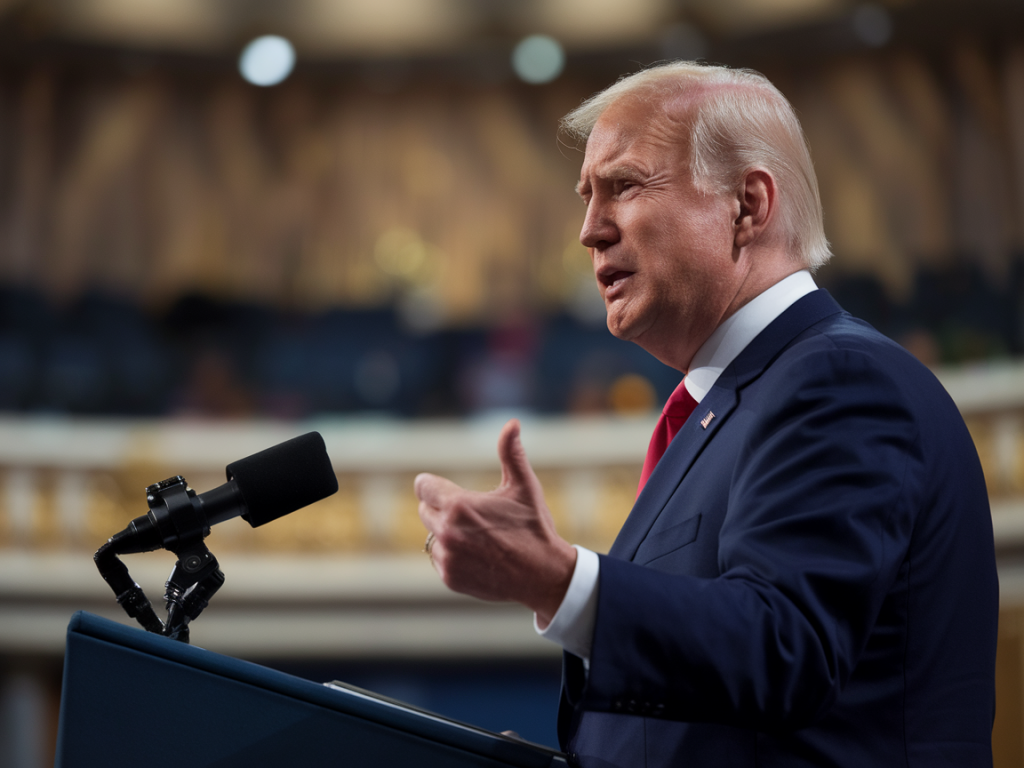
I remember the first time I heard a politician’s voice in a clip that didn’t feel right — the cadence was off, some breaths were missing, and a phrase landed with a strange mechanical edge. My newsroom instincts kicked in: verify. In the years since, deepfake audio has moved from a technical curiosity to a real risk for democracies, campaigns, and everyday conversations. I want to share what I’ve learned about how to spot synthetic speech in a politician’s remarks and, crucially, what to do next so you don’t amplify misinformation by accident.
Why this matters
Audio deepfakes can be deeply persuasive. Voice carries emotion and authority; a fabricated clip of a politician saying something inflammatory can change perceptions and spread fast on social platforms. As an editor, I’ve seen how quickly unverified audio can shape headlines. Stopping that requires a mix of listening skills, basic technical checks, and knowing where to turn for verification.
Immediate red flags to listen for
When I listen to a suspect clip, I run through a quick mental checklist. These are the sensory signs you can notice without special tools:
- Unnatural breaths and pauses: Voices recorded live have irregular breathing, swallowing sounds, or small hesitations. Deepfakes often smooth or omit these.
- Glitches and metallic timbre: Synthesized audio sometimes introduces subtle clicks, warbles, or a “robotic” sheen—especially on consonants like “t” and “s”.
- Emotional mismatch: If the tone doesn’t match the message (e.g., an aggressive sentence delivered with flat intonation), be suspicious.
- Odd pacing: Words might be slightly elongated or compressed. A candidate who usually speaks quickly sounding unnaturally slow (or vice versa) should raise questions.
- Contextual dissonance: Does the claim match what the politician has said publicly before? Out-of-character statements often suggest manipulation.
Quick technical checks you can do yourself
Before you call in audio forensics, run these accessible checks. They often catch sloppy fakes and help you avoid sharing misinformation.
- Find the original upload: Track down where the clip first appeared. Is it posted by an official account, a dubious handle, or an anonymous source?
- Check metadata (if available): If you have the file, inspect metadata for timestamps and device info. Many social platforms strip metadata, but audio files shared directly sometimes retain it.
- Reverse-search the audio: Google doesn’t do reverse audio search like images, but you can search for the transcript or distinctive phrases in quotes to see if credible outlets reported the remark.
- Compare with known samples: Listen to verified speeches or interviews from the same politician. Note differences in breath, cadence, or accent. Consistency is key.
- Waveform and spectrogram glance: If you can open the file in a free audio editor (Audacity is one), the waveform may show unnatural clipping or silent joins. Spectrograms sometimes reveal abrupt changes where splices were made.
Tools and services that help
There are several tools — some consumer, some professional — that can help you dig deeper. I’ve used or consulted with teams that use these and found them useful:
- Audacity: Free audio editor for basic waveform checks and listening at different speeds.
- iZotope RX: Industry-standard audio repair and forensics tool. Great for spotting edits, abrupt transitions, and artifacts.
- Descript / Overdub: Descript’s demo tools show how easy voice cloning can be; useful for understanding typical artifacts.
- ElevenLabs, Respeecher: Leading voice-synthesis platforms. They’re not forensic tools per se, but knowing their common artifacts helps identify fakes.
- Fact-checkers and labs: Organizations like Snopes, Full Fact, BBC Reality Check, and first draft partners often publish analyses of viral audio.
What to do next if you suspect a deepfake
If your checks point toward manipulation, act deliberately. I’ve seen well-meaning people make the situation worse by posting “I’m not sure if this is real” alongside the clip. Here’s a better sequence:
- Don’t share the original clip publicly. That’s how fakes spread. Avoid reposting until you can add verified context.
- Capture evidence: Save the file, note where and when you found it, and screenshot the original post and account details.
- Contact authoritative sources: Reach out to the politician’s communications team or official channel. They often respond quickly and may confirm whether it’s genuine.
- Alert fact-checkers: Send the file and context to a reputable fact-checking organization (e.g., Full Fact, Snopes, or a local fact-checker). They have networks and tools to verify more thoroughly.
- Use platform reporting tools: Report the post to the hosting platform (Twitter/X, Facebook/Meta, TikTok). Provide context and indicate that you suspect manipulated media.
- Label your uncertainty if you must discuss it: If you write about the clip before confirmation, use precise language: “A viral clip circulating on X, not verified; authenticity under review.”
When to escalate to experts
Not every suspicious clip needs lab-grade analysis, but escalate if:
- The clip is tied to immediate political outcomes (e.g., right before an election).
- Major news outlets are reporting on it without confirmation.
- It appears in coordinated messaging across many accounts.
- There’s potential for real-world harm or legal implications.
For escalation, you can contact audio forensics groups at universities or private firms that do voice authentication. Newsrooms often work with forensic audio analysts who use tools like iZotope RX and proprietary workflows to identify splices, odd spectral signatures, and synthesis artifacts.
A practical checklist to keep handy
| Step | Quick action |
|---|---|
| Initial listen | Note breathing, tone, pacing, and obvious artifacts |
| Source check | Find original upload and account history |
| Context check | Search for transcripts or news coverage of the same remark |
| Basic technical check | Open file in Audacity for waveform/spectrogram review |
| Report | Save evidence, contact campaign/office, alert fact-checkers, report to platform |
How journalists (and readers) should change habits
From the desk, I’ve pushed for two cultural changes: slow down and verify. Social platforms reward speed, but speed without verification is how fakes win. If you’re a reader, treat sensational audio like breaking news: verify before sharing. If you’re a journalist, build relationships with forensics experts and always archive original media when reporting.
Deepfake audio will keep improving, but so will our defenses. The best tools are skepticism, verified context, and a few practical checks you can do in minutes. If you ever want me to walk you through analyzing a clip step by step, I’m happy to help — send the details and I’ll point you toward the right next move.